
Spread the Knowledge of DIY Home Automation for Beginners
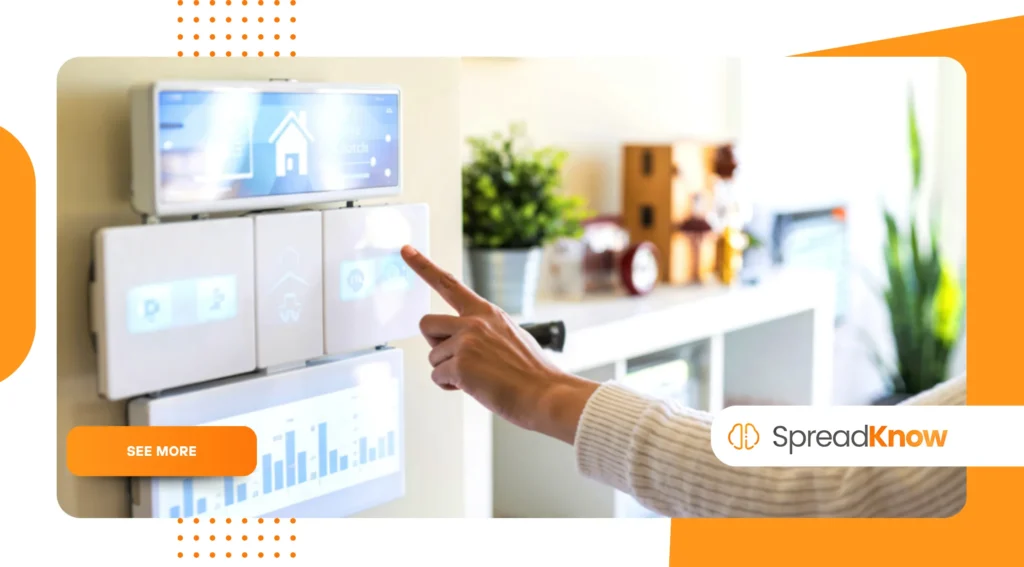
Dive into the electrifying world of DIY Home Automation to transform your living space into an intelligent, responsive environment.
Anúncios
You’re exploring a realm of personal control and technological empowerment, moving past basic smart devices to full customization.
This comprehensive guide, written for 2025, illuminates the steps and possibilities for creating your own personalized, automated home experience.
Table of Contents:
- What is DIY Home Automation and Why Start Now?
- How Does DIY Differ from “Off-the-Shelf” Smart Homes?
- Which Starter Projects are Best for the DIY Home Automation Novice?
- What Essential Tools and Platforms Should You Consider?
- Why is Interoperability (Matter/Thread) Crucial in 2025?
- How Does DIY Automation Contribute to Real Energy Savings?
- What Are the Most Common FAQs for Beginners?
What is DIY Home Automation and Why Start Now?
DIY Home Automation represents the process of setting up and customizing smart devices without relying on expensive professional installation or being locked into one brand ecosystem.
Anúncios
You become the architect of your own smart home, carefully choosing components and platforms to work together seamlessly.
Starting now in 2025 means leveraging accessible technology, powerful open-source software, and robust community support.
Many people find immense satisfaction in building something tangible and perfectly tailored to their unique lifestyle.
This approach offers unparalleled flexibility, allowing you to integrate diverse devices from various manufacturers using universal standards like Matter.
It’s truly about building a system that evolves with your needs, not being constrained by pre-packaged, generic solutions.
You’ll gain valuable technical skills while making your home more efficient, secure, and ultimately, more comfortable.
The global market for DIY home automation is soaring, projected to reach $28.24 billion in 2025, highlighting its growing relevance and accessibility to everyone.
+ How to Stay Motivated When Progress Feels Slow
How Does DIY Differ from “Off-the-Shelf” Smart Homes?
“Off-the-shelf” solutions usually involve buying a closed system, often from a single company like Google or Amazon, which limits your hardware choices.
Conversely, the DIY Home Automation route focuses on open-source platforms, such as Home Assistant, and universal protocols, giving you complete, granular control.
You decide which data is collected, where it is stored, and how your various devices interact with each other.
This level of customization ensures that your smart home operates precisely how you envision it, free from proprietary restrictions.
When you opt for a DIY setup, you prioritize long-term adaptability and cost-effectiveness by avoiding forced upgrades or compatibility issues.
Integrating a smart lock from one brand with a lighting system from another, for example, becomes a simple matter of configuration, not a technological headache.
This freedom empowers users to create truly unique and sophisticated home environments, far beyond the basic routines of a standard smart speaker setup.
Furthermore, DIY systems often run locally, significantly improving privacy and responsiveness compared to cloud-dependent alternatives.
+ Teaching Drone Photography Techniques Safely to Teens
Which Starter Projects are Best for the DIY Home Automation Novice?
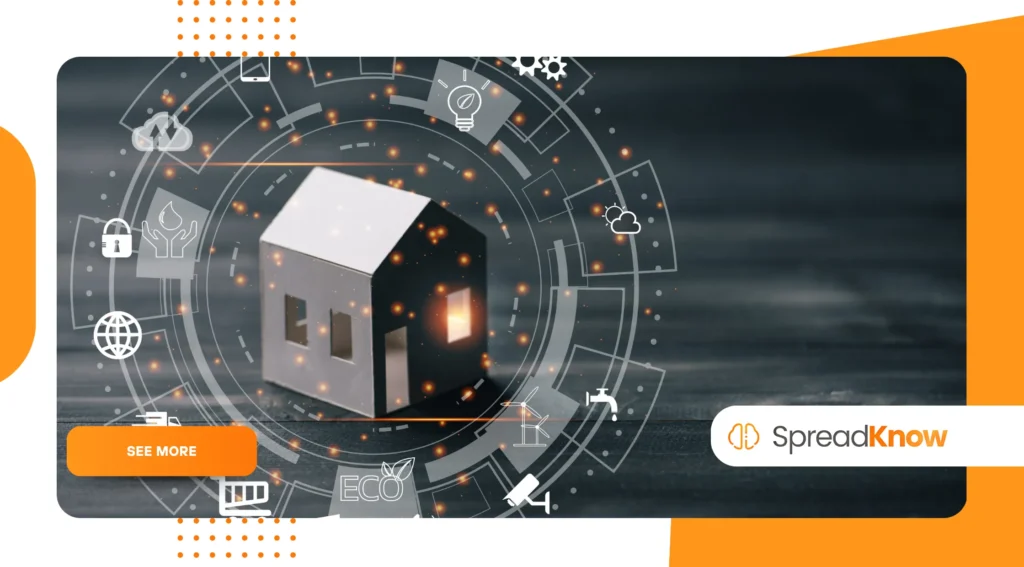
For anyone embarking on their DIY Home Automation journey, simple and impactful projects provide the best learning experience and immediate gratification.
Begin with smart lighting control using Wi-Fi bulbs or plugs, allowing you to remotely schedule and automate your home’s illumination.
Another excellent starting point is installing a smart thermostat, which can be easily programmed to optimize your home’s temperature for energy savings.
These projects require minimal technical expertise and use widely available, affordable hardware.
Consider implementing a basic security setup, perhaps a single smart camera connected to a Raspberry Pi for local video storage and motion alerts.
Voice-controlled lighting, setting up motion sensors to automatically turn on a closet light, or even automating a simple morning routine are also fantastic first steps.
The core goal is mastering the concepts of triggers, conditions, and actions—the building blocks of all successful home automation.
Focusing on small wins early builds confidence and momentum for tackling more complex integrations later on.
+ How to Learn AI Prompting as a New Digital Skill
What Essential Tools and Platforms Should You Consider?
The foundation of modern DIY Home Automation rests on a powerful, centralized hub platform to coordinate all your disparate devices.
Home Assistant is overwhelmingly considered the gold standard, offering extensive device compatibility and a highly active, supportive community.
You will need a small, dedicated computer like a Raspberry Pi 5 or a small form-factor PC to run this open-source software 24/7. This central brain handles all your automations and local control.
In terms of hardware, smart plugs are indispensable, effectively turning any ‘dumb’ appliance into an automatable device for simple on/off control.
Smart sensors—motion, door/window, and temperature/humidity—provide the critical input needed for your automation routines to function intelligently.
Opt for devices utilizing modern, low-power mesh networks like Zigbee, Z-Wave, or the emerging Thread standard for reliable, efficient communication.
Investing in a good quality hub, often a USB stick, to manage these network protocols is highly recommended for optimal performance.
Why is Interoperability (Matter/Thread) Crucial in 2025?
Interoperability, specifically the widespread adoption of the Matter and Thread standards in 2025, fundamentally changes the landscape of DIY Home Automation.
Matter is a unified, open-source application layer that allows devices from different brands to speak the same language, finally breaking down the historical wall between ecosystems like Apple HomeKit, Google Home, and Amazon Alexa.
This means simpler setup and greater freedom when choosing hardware.
Thread is a low-power, IP-based wireless mesh networking protocol that underpins Matter, creating a resilient network where devices can communicate even if one fails.
Both technologies remove the dependency on a single brand’s cloud, enabling true local control, which is faster and more reliable.
When purchasing new components, always look for the Matter badge to future-proof your setup and ensure hassle-free integration into your custom system.
Choosing Matter-certified products protects your investment and opens up vast possibilities for cross-platform automation.
| Automation Feature | Impact on Home Life | Essential DIY Components |
| Energy Optimization | Reduced utility bills and lower carbon footprint. | Smart Thermostat (Matter-compatible), Smart Plugs, Energy Monitor. |
| Enhanced Security | Real-time monitoring and proactive alerts for peace of mind. | Smart Door/Window Sensors, Local Security Camera, Smart Lock. |
| Convenience & Comfort | Daily routines automated, perfect ambiance instantly set. | Smart Lights/Bulbs, Motion Sensors, Voice Assistant, Automation Hub. |
| Data Privacy | Local control reduces reliance on cloud servers. | Open-Source Hub (Home Assistant), Thread/Matter Devices. |
How Does DIY Automation Contribute to Real Energy Savings?
One of the most compelling arguments for embracing DIY Home Automation is its tangible impact on energy consumption and monthly bills.
Smart thermostats and automated climate control are powerful tools; they learn your habits and adjust heating and cooling based on actual occupancy, not rigid schedules.
For instance, a simple automation can ensure the AC turns off immediately when a window or door sensor detects an opening, eliminating wasteful cooling of the outside air.
Beyond climate control, smart plugs allow you to monitor the energy usage of individual appliances and automatically power down “vampire devices” that constantly draw standby power.
You can program your smart lighting to dim or shut off when a room remains unoccupied for a set period, maximizing efficiency.
According to the U.S. Energy Information Administration (EIA), residential electricity consumption is a significant portion of household expenses, and proactive automation is key to curbing this waste.
Implementing an energy dashboard within your DIY hub allows you to visualize and precisely manage where every kilowatt-hour goes.
Visit the U.S. Energy Information Administration’s website for detailed energy consumption data and trends.
Building a truly efficient smart home requires more than just smart bulbs; it demands intelligent, rule-based automation that adapts to your environment and routines.
This hands-on approach puts you in the driver’s seat of your household’s energy profile.
What Are the Most Common FAQs for Beginners?
What is the best platform to start my DIY Home Automation journey?
The consensus strongly favors Home Assistant, given its open-source nature, vast community support, and unparalleled integration capabilities across virtually all major brands.
Do I need to be a programmer to set up a DIY system?
Absolutely not. While basic technical curiosity helps, most modern platforms like Home Assistant offer user-friendly graphical interfaces, removing the need for complex coding knowledge for initial setups.
Is DIY Home Automation more expensive than buying a packaged system?
Initially, component costs might seem similar, but DIY Home Automation is generally more cost-effective over time due to lower subscription fees and the ability to choose more affordable, non-proprietary hardware.
How secure are these DIY systems compared to commercial ones?
DIY systems running locally, like those powered by Home Assistant, often offer superior security and privacy because they minimize data reliance on third-party cloud servers. You maintain complete control over your network.
How do I ensure my devices from different brands will work together?
Focus on purchasing devices that are Matter-certified. This new standard is explicitly designed to ensure seamless interoperability between products from different manufacturers, unifying the smart home experience.
Where can I find reliable, in-depth tutorials for specific projects?
Many respected technology blogs and the official documentation of open-source projects, such as the extensive Home Assistant Documentation, provide excellent step-by-step guides and community forums for troubleshooting and inspiration.
